Skip to content
FreePlug-in for Adobe Premiere Pro · v1.0.0

ZIBA Effects

Video effects with a signature look, rendered live on your GPU, right inside Premiere Pro. Lamella is free for good.

Apple silicon Macs · Windows with an NVIDIA graphics card · No credit card

Demo video coming soon

The effects

Installed with the plug-in, nothing else to download. Apply them from the ZIBA Effects panel, or find them under Effects › Video Effects › ZIBA.

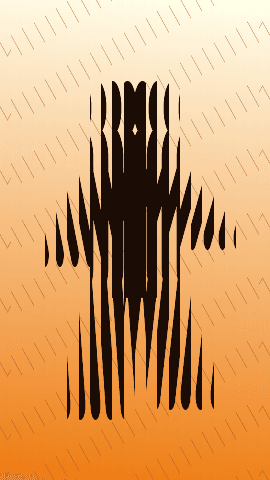
  • Lamella: BeforeBefore
  • Lamella: Reference lookReference look
  • Lamella: Sawtooth profileSawtooth profile
  • Lamella: Lens profileLens profile
Test renders from our validation suite. Footage examples are coming.
FreeEffect · Distort

Lamella

Your subject seen through a wall of reeded glass.

The frame is cut into vertical or horizontal lamellae, or a grid of them. Each lamella acts as a cylindrical lens that bends, stretches and splits the image. The subject stays recognizable but flows, repeats and carries on from one lamella to the next. Highlights bleed, color smooths out with the refraction blur, and in motion the distortions glide without flicker.

  • About thirty settings: lamella count, width variation, angle, curvature, grid offset and origin.
  • Six lens profiles: Lens, Parabolic, Sine, Sawtooth, Triangle, Flat.
  • Refraction, stretch, directional and edge blur, chromatic dispersion.
  • Separation lines, specular highlight, tint, inner shadow, highlight glow.
  • One global amount from 0 to 100 %: at 0 %, the output is identical to the source, bit for bit.

Free for good: no watermark, no resolution or length limit.
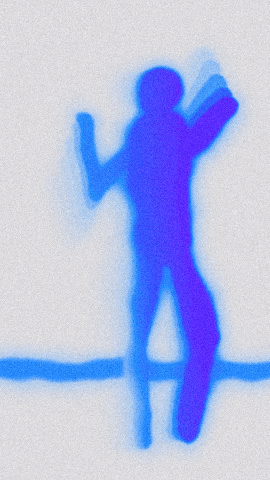
  • Thermal Aura: BeforeBefore
  • Thermal Aura: Ultraviolet, motion echoesUltraviolet, motion echoes
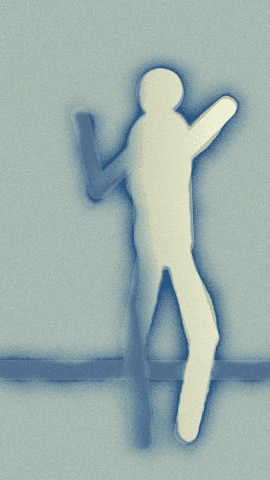
  • Thermal Aura: Ice MintIce Mint
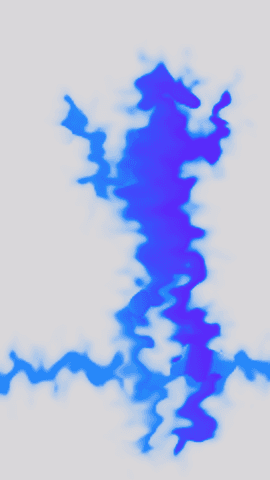
  • Thermal Aura: Fluid auraFluid aura
  • Thermal Aura: GrainGrain
Test renders from our validation suite. Footage examples are coming.
PROEffect · Stylize

Thermal Aura

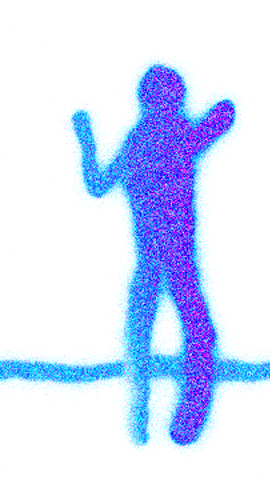
Stylized thermal vision: a fluid aura, liquid distortion and motion trails.

The effect finds the subject, turns it into a heat field and colors it with a palette: the subject becomes a thermal silhouette wrapped in a living aura. Motion echoes leave trails behind it, a liquid distortion ripples the image, and analog grain and flicker add the texture of an old sensor.

  • Looks: Ultraviolet, Ice Mint, Neon, and Custom to build your own.
  • Palette of 3 to 5 colors, blended in Oklab, linear RGB or sRGB.
  • Three quality levels (full, ½, ¼) to keep playback smooth.
  • About sixty settings, grouped: general, color and palette, aura and glow, distortion, motion echoes, film.
  • About 20 ms per 1080p frame on a MacBook Pro M1 Pro.
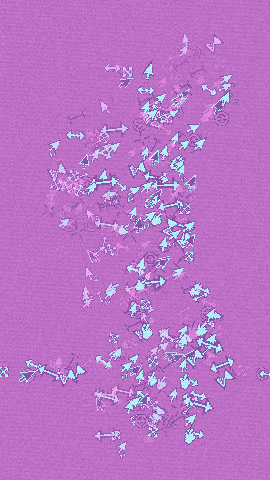
  • Iconic Fill: BeforeBefore
  • Iconic Fill: Desktop 95 lookDesktop 95 look
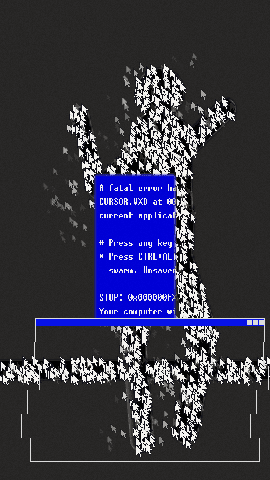
  • Iconic Fill: Night BSOD lookNight BSOD look
  • Iconic Fill: Vaporwave lookVaporwave look
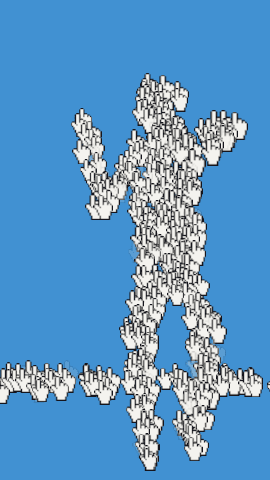
  • Iconic Fill: “Hand” sprite“Hand” sprite
Test renders from our validation suite. Footage examples are coming.
PROEffect · Stylize

Iconic Fill

Your subject rebuilt from a swarm of retro cursors.

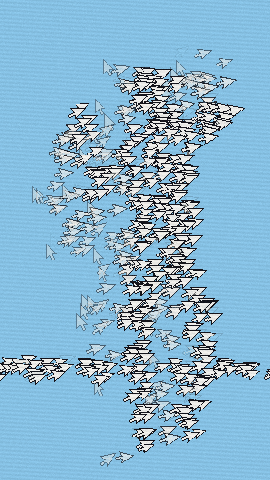
The subject's silhouette and light are analyzed, then filled with countless 90s computer cursors. Retro computing, UI glitch, modern ASCII art: strong contrast, a tight palette, organic against virtual.

  • A living swarm: the cursor grid regenerates every frame and wriggles to follow the subject.
  • Scatter: on fast moves, edge cursors break away, fall or fly off, leaving a trail.
  • Direction: arrows can point the way the subject moves.
  • System elements: blue error screens (English, French, modern stop screen, hex dump) and retro pop-up windows.
  • 20 built-in sprites (arrow, hourglass, hand, cross, window, folder, floppy disk, trash, heart, star…) plus a mix mode. Use a video track of your project as the texture, or as a mask to choose the area to fill.
  • Three looks: Desktop 95, Night BSOD, Vaporwave. A setting you change by hand always wins over the look.
  • Built-in grading (including Vaporwave and Terminal), grain, CRT screen pattern.
  • About 13 ms per 1080p frame on a MacBook Pro M1 Pro.
FreePROLUT effect · Color

ZIBA LUT

A set of 3D LUTs, applied with an intensity you choose.

A full effect with an intensity slider, and its own tab in the panel with a preview thumbnail for each LUT. Click a LUT to apply it, then set how strong it is.

  • Some LUTs are free, the others are PRO.
  • The final LUT selection will be announced at launch.

In Premiere Pro

The ZIBA Effects panel

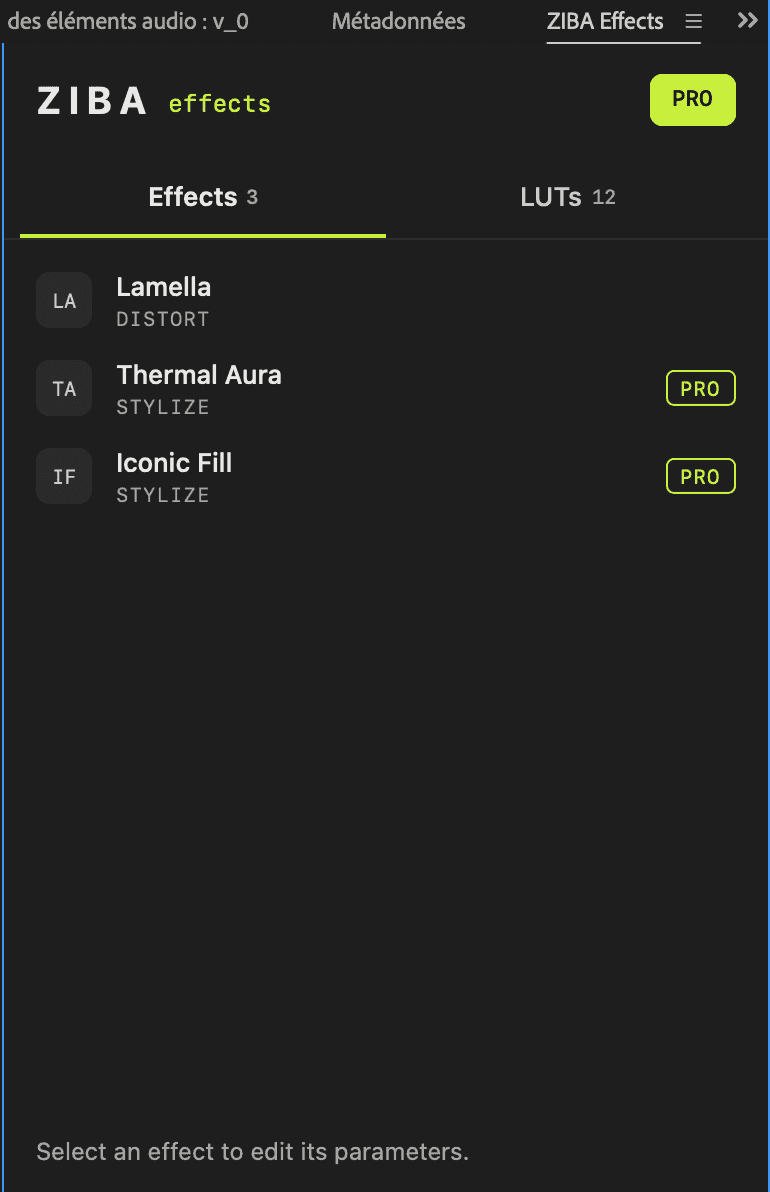
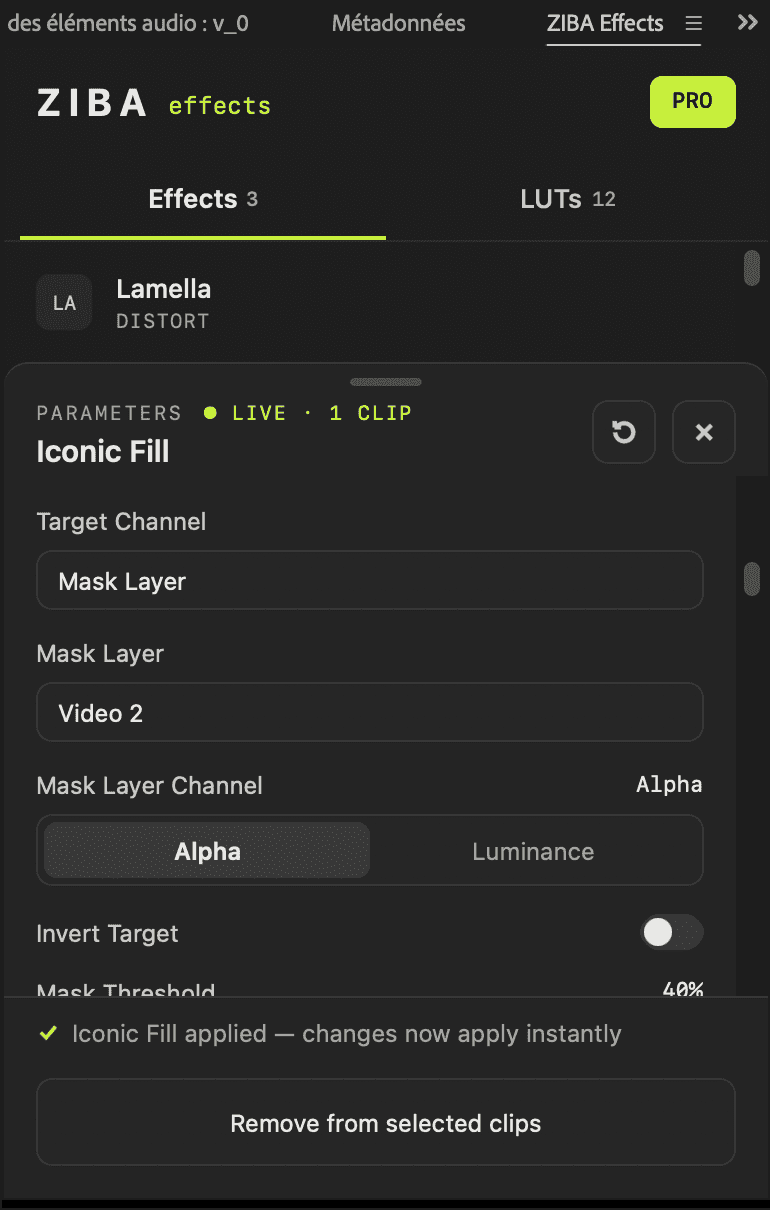
  • Effects: select clips, pick an effect, Apply. Every setting then changes live, grouped like in the effect controls.
  • LUTs: a grid of previews, one click to apply, an intensity slider.
  • License: a FREE or PRO badge, your key, and “Deactivate license” to move it to another computer.

Window › Extensions › ZIBA Effects

The ZIBA Effects panel in Premiere Pro: Effects tab listing Lamella, Thermal Aura and Iconic Fill, with PRO badgesThe ZIBA Effects panel showing the live settings of Iconic Fill

Why it holds up in an edit

  • Live, on your GPU

    Metal on Apple silicon, CUDA on NVIDIA. Smooth playback without pre-rendering in usual settings.

  • Same look at every resolution

    A look is identical in 720p, 1080p or 4K, even when Premiere Pro previews at half or quarter resolution.

  • Identical renders, every time

    Two renders of a frame match exactly. Grain and other randomness follow a seed you set: no flicker between preview and export.

  • Everything is a setting

    Defaults that look right away, and every detail exposed live in the panel. At 0 %, an effect returns the source untouched.

  • Hand-written, no AI

    Image processing algorithms written by hand, checked against a CPU reference within 2/255. No generative AI.

  • Nothing leaves your computer

    No cloud rendering. The license only contacts our server to activate and to check itself.

Free and PRO

Without a license, PRO effects still apply, with a “ZIBA PRO” watermark: try freely, subscribe to deliver. Lamella has no watermark and no limits.

What is included in Free and PRO
FreePRO
ZIBA Effects plug-in and panelIncludedIncluded
LamellaNo limitsIncluded
Thermal Aura, Iconic FillWith watermarkIncluded
ZIBA LUTFree LUTsEvery LUT
See pricing

Compatibility

Premiere Pro
Main target, tested
After Effects
Same plug-in, less tested
macOS
Apple silicon (M1 and later), Metal. Intel Macs: not yet
Windows
NVIDIA graphics card (CUDA). AMD (OpenCL): coming
Renderer
Mercury Playback Engine GPU Acceleration

DaVinci Resolve and Final Cut Pro are not supported.

What's new

Changelog

v1.0.0 · Oct 20, 2026

  • Effects: Lamella (free), Thermal Aura and Iconic Fill (PRO)
  • ZIBA LUT with free and PRO LUTs
  • ZIBA Effects panel in Premiere Pro: Effects and LUTs tabs, license activation
  • Test build: installers are not signed yet

ZIBA Effects FAQ

How do I install ZIBA Effects?
Create your free account and download the installer. On macOS, run it and confirm the panel installation in Creative Cloud, then restart Premiere Pro. On Windows, copy the plug-in file to the Adobe plug-ins folder and double-click the panel to install it with Creative Cloud.
Where do I find the effects in Premiere Pro?
Window › Extensions › ZIBA Effects opens the panel. The effects are also listed under Effects › Video Effects › ZIBA.
My computer says the installer cannot be opened
The current installers are test builds and are not signed yet. On macOS, right-click the installer and choose Open. On Windows, unblock the downloaded files (right-click › Properties › Unblock).
Can I try the PRO effects before paying?
Yes. Without a license, PRO effects and LUTs still apply, with a "ZIBA PRO" watermark over the image. Try them freely; subscribe to deliver without the watermark.
Can I use my key on two computers?
A key is active on one computer at a time. To switch, click “Deactivate license” in the panel (or deactivate the computer in Account › Licenses), then activate the key on the other computer.

Start with Lamella. It's free.

Create my free account